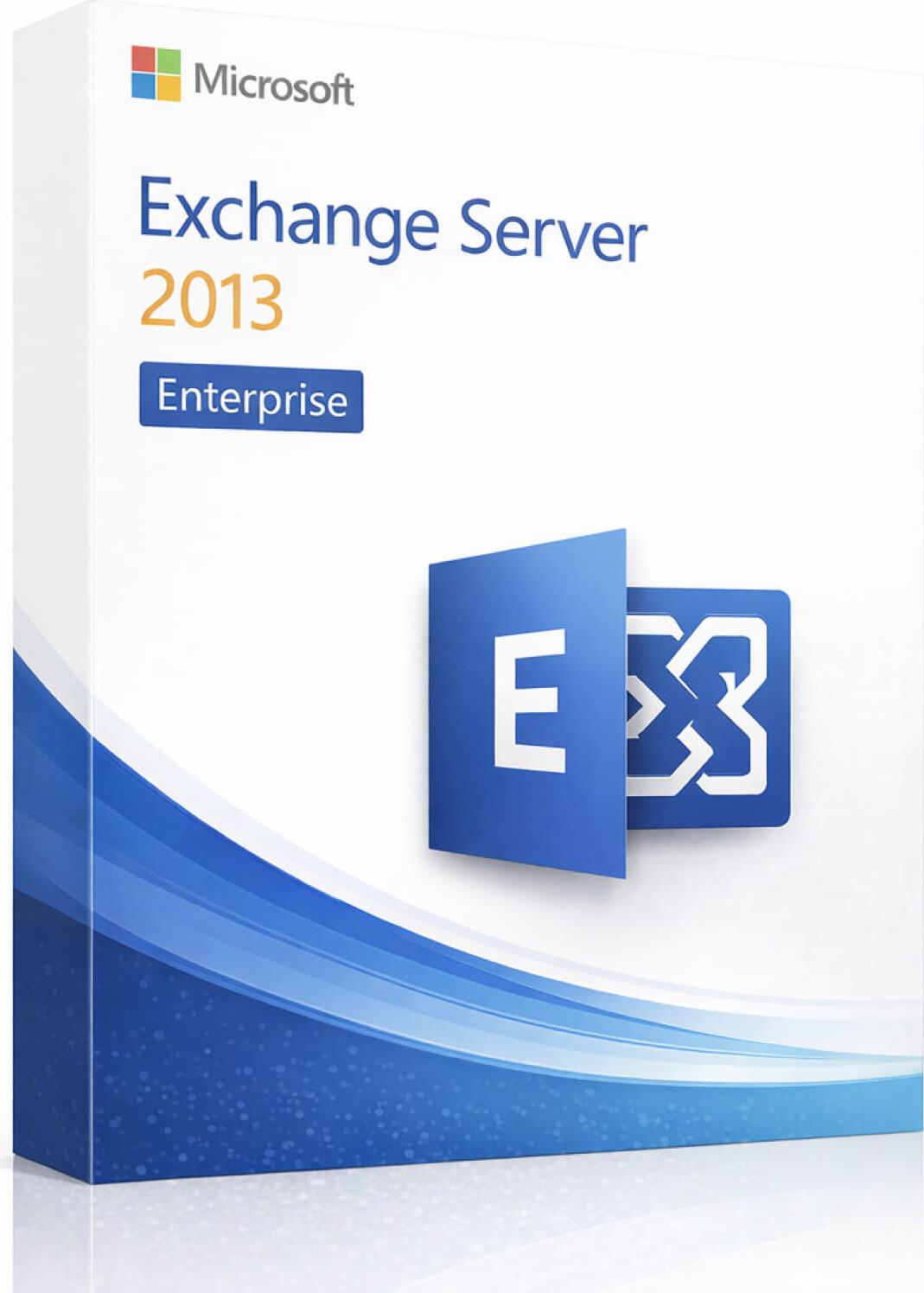




Microsoft Exchange Server 2013 Enterprise is a legacy on-premises email and collaboration server solution designed for organizations that need professional business email hosting, advanced mailbox management, calendar sharing, contacts, tasks, Outlook connectivity, Outlook Web App access, mobile email access, and centralized administrator control.
Exchange Server 2013 Enterprise is suitable for larger businesses, enterprise IT environments, legacy infrastructure, and organizations that require more mailbox database capacity than the Standard edition. The Enterprise edition supports up to 100 mailbox databases, making it suitable for larger Exchange deployments and advanced on-premises messaging environments.
⚠️ Important Notice: Exchange Server 2013 has reached end of support. It may still be required for existing environments, legacy compatibility, migration projects, or replacement licensing, but it is not recommended for new modern deployments. For better security and long-term reliability, Exchange Server Subscription Edition, Exchange Server 2019, or Microsoft 365 is recommended.
✅ Genuine Microsoft Exchange Server product
✅ Exchange Server 2013 Enterprise edition
✅ On-premises business email server solution
✅ Supports up to 100 mailbox databases
✅ Designed for larger and enterprise email environments
✅ Professional email, calendar, contacts, and tasks
✅ Microsoft Outlook support
✅ Outlook Web App access
✅ Mobile email access support
✅ Active Directory integration
✅ Mailbox, database, and mail flow management
✅ Exchange Admin Center management
✅ Suitable for hybrid and migration scenarios
✅ Suitable for legacy Exchange environments
✅ Delivery by email
✅ Installation and licensing guidance available
SKU: MS-EXCH2013-ENT-DIG
Categories: Project 2013
Product: Microsoft Exchange Server 2013 Enterprise
Type: Email and Collaboration Server
Edition: Enterprise
Use For: Business email hosting, enterprise mailbox management, calendar sharing, contacts, tasks, internal email system, legacy Exchange environments, and migration projects
Best For: Large organizations, enterprise IT teams, existing Exchange 2013 environments, and businesses requiring high mailbox database capacity
Mailbox Database Support: Up to 100 mailbox databases
Deployment Type: On-premises / Hybrid supported depending on configuration
Delivery Method: Email
License Type: Exchange Server 2013 Enterprise Server License
Support: Installation and licensing guidance available
Exchange Server 2013 Enterprise gives organizations local control over their email infrastructure. It provides mailbox hosting, mail flow management, Outlook access, webmail access, mobile synchronization, shared calendars, address lists, mailbox databases, transport rules, and administrator management tools.
Using genuine Microsoft Exchange Server helps businesses maintain proper licensing and a reliable server environment.
• Professional Microsoft email server platform
• Better compatibility with Microsoft Outlook and Exchange-based environments
• Suitable for enterprise and legacy business systems
• Helps maintain proper licensing records
• Safer than cracked or modified server software
• Useful for existing Exchange 2013 infrastructure
• Centralized email control for IT administrators
• Better for compliance and documentation compared to unauthorized software
• Suitable for businesses that still depend on older Exchange environments
Exchange Server 2013 Enterprise is Microsoft’s enterprise-level on-premises email server edition from the Exchange 2013 generation. It was designed for organizations that need scalable mailbox hosting, advanced database capacity, webmail access, calendar sharing, mobile synchronization, mail flow control, and administrator management.
The Enterprise edition is different from the Standard edition mainly because it supports a much larger number of mailbox databases. This makes it useful for companies with larger mailbox storage needs, multiple departments, or complex database planning requirements.
Exchange Server 2013 Enterprise is suitable for:
• Existing Exchange 2013 environments
• Large legacy email server deployments
• Enterprise mailbox hosting
• Organizations needing more than 5 mailbox databases
• Migration preparation and transition projects
• Older applications that depend on Exchange 2013
• Internal on-premises email systems
• Businesses using Active Directory
• Compatibility testing environments
• Replacement or documentation of old licenses
• Businesses that cannot immediately upgrade due to software limitations
Exchange Server 2013 Enterprise allows organizations to host and manage business email mailboxes on their own server infrastructure.
Users can send, receive, organize, search, and manage emails using Microsoft Outlook, Outlook Web App, and supported mobile clients.
Exchange Server provides shared calendars, meeting scheduling, availability checking, room mailbox support, and appointment management.
This helps teams coordinate meetings, office schedules, shared resources, and business activities.
Administrators can manage company contacts, global address lists, distribution groups, mail-enabled users, shared mailboxes, and organization-wide address books.
This is useful for businesses that need centralized contact and directory management.
Exchange Server 2013 includes Outlook Web App, allowing users to access email, calendar, contacts, and tasks through a supported web browser.
This is useful for users who need email access without installing Microsoft Outlook on every computer.
Exchange Server 2013 supports mobile email synchronization for users who need to access email, calendars, and contacts from mobile devices.
This is useful for managers, remote workers, sales teams, field staff, and employees who need business email access outside the office.
Exchange Server 2013 works with Active Directory for authentication, mailbox management, permissions, address lists, and organization-wide email control.
This makes it suitable for domain-based business and enterprise environments.
Exchange Server 2013 Enterprise gives administrators control over:
• User mailboxes
• Mailbox databases
• Mail flow
• Accepted domains
• Send and receive connectors
• Transport rules
• Address lists
• Mailbox permissions
• Client access settings
• Organization-level Exchange settings
• Mailbox policies
• Hybrid and migration-related configuration
Administrators can manage Exchange using Exchange Admin Center and Exchange Management Shell.
Exchange Server 2013 can be used in hybrid environments with Microsoft 365 depending on licensing, configuration, and deployment requirements.
Hybrid deployment may be useful for organizations that are migrating to Microsoft 365 or keeping some services on-premises during a transition period.
| Feature | Exchange Server 2013 Standard | Exchange Server 2013 Enterprise |
|---|---|---|
| Best For | Small to midsize legacy environments | Larger legacy environments |
| Mailbox Databases | Up to 5 | Up to 100 |
| On-Premises Email Hosting | ✅ | ✅ |
| Outlook Support | ✅ | ✅ |
| Outlook Web App | ✅ | ✅ |
| Active Directory Integration | ✅ | ✅ |
| Mobile Email Access | ✅ | ✅ |
| Hybrid Deployment Support | ✅ | ✅ |
| Large-Scale Mailbox Database Support | Limited | ✅ Higher scale |
Choose Standard if your organization needs up to 5 mailbox databases.
Choose Enterprise if your organization needs more mailbox databases in an Exchange 2013 environment.
Exchange Server uses a server license plus Client Access Licenses.
This means:
• The server license allows Exchange Server to run on the server
• Each user or device accessing Exchange Server usually needs the correct Exchange CAL
• Standard CAL is normally required for basic Exchange access
• Enterprise CAL may be required for advanced features
• Enterprise CAL is usually an add-on to the Standard CAL
• CALs are separate from the Exchange Server license unless specifically included
⚠️ Please confirm your required number of users or devices before purchase.
This Exchange Server 2013 Enterprise license is used for:
• Installing/running Exchange Server 2013 Enterprise
• Hosting enterprise business email mailboxes
• Managing large mailbox database environments
• Creating and managing mailboxes
• Configuring business email domains
• Managing send/receive mail flow
• Providing Outlook and webmail access
• Supporting calendar, contacts, and tasks
• Integrating Exchange with Active Directory
• Supporting legacy Exchange 2013 environments
• Supporting migration or compatibility projects
• Supporting larger deployments with up to 100 mailbox databases
❌ Does not include Windows Server license
❌ Does not include Exchange Server CALs unless stated separately
❌ Does not include Microsoft Office
❌ Does not include Outlook desktop license unless stated separately
❌ Does not include Microsoft 365 subscription
❌ Does not include domain name or hosting
❌ Does not include SSL certificate
❌ Does not include server hardware
❌ Does not include backup software
❌ Does not include SQL Server
❌ Does not automatically migrate old mailboxes
❌ Does not include email security gateway service unless stated separately
Exchange Server 2013 is a legacy platform and should only be used where compatibility is required.
Recommended for legacy deployment:
• Compatible Windows Server operating system
• Active Directory domain environment
• Reliable server-grade processor
• Sufficient RAM based on mailbox count
• Reliable server storage or enterprise-grade storage
• Stable network connection
• Proper DNS configuration
• SSL certificate recommended
• Backup solution recommended
• Antivirus/security solution compatible with Exchange Server 2013
• Proper storage planning for mailbox databases and transaction logs
For proper email operation, your domain may require DNS records such as:
• MX record
• SPF record
• DKIM record
• DMARC record
• Autodiscover record
• A record for mail server hostname
• PTR/rDNS record from ISP or hosting provider
These records help improve mail delivery, Outlook setup, email authentication, and domain reputation.
Exchange Server 2013 has reached end of support. After end of support, Microsoft no longer provides regular technical support, security updates, bug fixes, or time zone updates.
Exchange Server 2013 may still be required for existing systems, legacy application compatibility, or migration preparation. However, it should not be used for new modern production deployments unless there is a specific legacy requirement.
For better security and long-term reliability, businesses should consider upgrading to Exchange Server Subscription Edition, Exchange Server 2019, or Microsoft 365.
Product: Exchange Server 2013 Enterprise
Edition: Enterprise
Type: Email Server Software License
Mailbox Database Support: Up to 100 databases
Use With: Compatible Windows Server environment
Delivery Method: Email
Delivery Time: Instant / Fast Delivery
Included: License information and installation guidance
Support: Basic installation and licensing guidance
• This product is for Exchange Server 2013 Enterprise only.
• Windows Server license is not included.
• Exchange CALs are not included unless clearly stated separately.
• Microsoft Office and Outlook are not included unless clearly stated separately.
• Domain, hosting, SSL certificate, DNS setup, and email migration are not included.
• Exchange Server requires proper planning before installation.
• Active Directory environment is required.
• Exchange Server 2013 is a legacy product and has reached end of support.
• Not recommended for new modern deployments.
• Please confirm your server, CAL, mailbox database, and compatibility requirements before purchase.
• For smaller Exchange 2013 deployments, Exchange Server 2013 Standard may be enough.
• For modern deployments, Exchange Server Subscription Edition or Microsoft 365 is recommended.
✅ Genuine Microsoft server product
✅ Fast email delivery
✅ Suitable for legacy Exchange environments
✅ Installation and licensing guidance available
✅ Support for choosing the correct license type
✅ Clean and hassle-free purchase process
✅ Suitable for IT admins, businesses, and organizations
✅ Guidance available for Exchange Server, CALs, and migration planning
Your email address will not be published. Required fields are marked *
Please login to write review!
Looks like there are no reviews yet.
৳18,750 ৳75,000
৳18,750 ৳75,000
৳12,750 ৳51,000



