



Brand: Microsoft
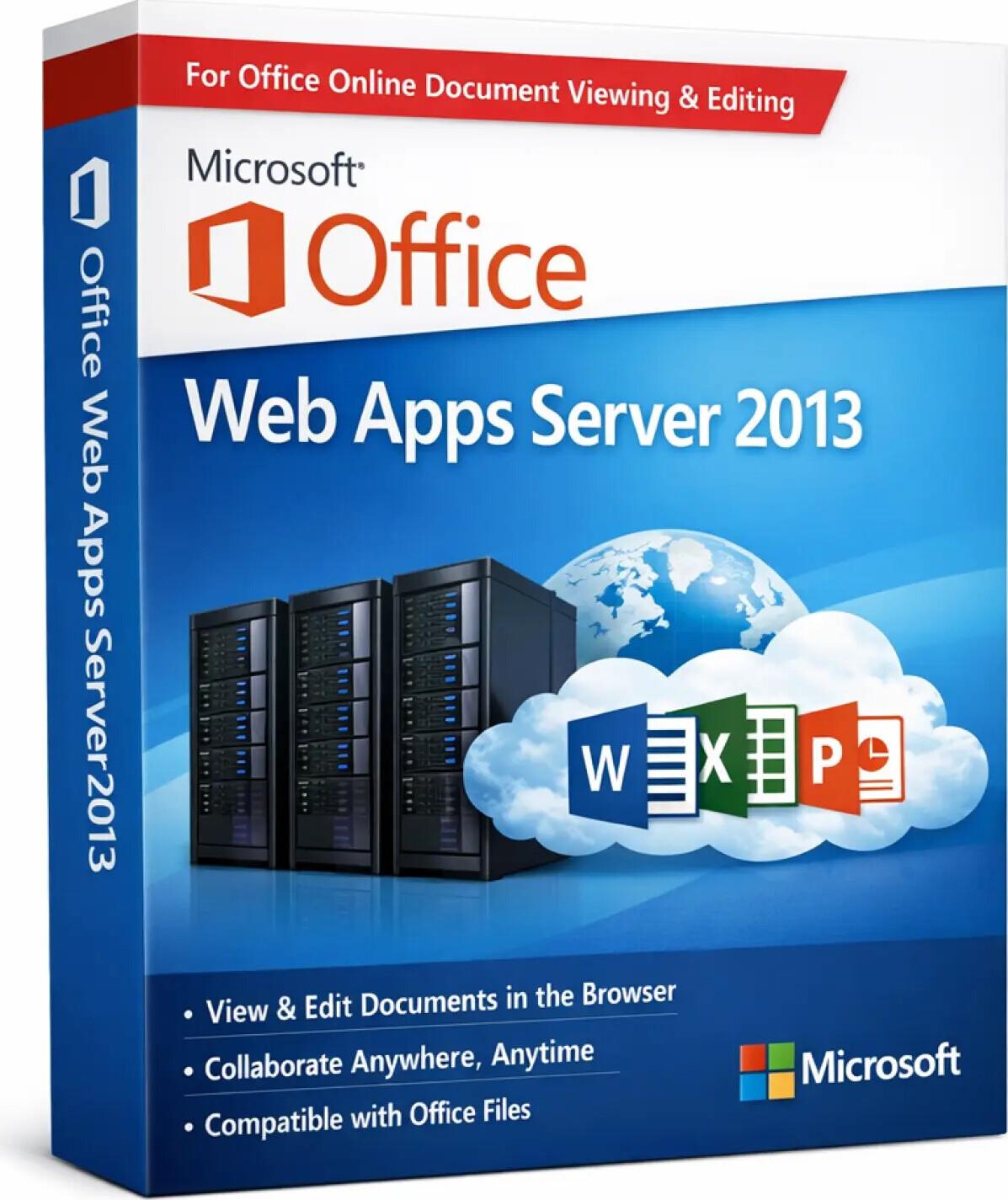
Microsoft Office Web Apps Server 2013 is a server‑based solution that enables organizations to view, edit, and collaborate on Office documents through a web browser. It provides browser‑based versions of Word, Excel, PowerPoint, and OneNote, integrated with enterprise platforms such as SharePoint Server, Exchange Server, and Lync Server.
This product is designed for on‑premises enterprise environments, allowing users to access Office documents without installing desktop Office applications on every device.
⚠️ Important Notice
Office Web Apps Server 2013 is a legacy Microsoft server product and has reached end of support. It no longer receives security updates and is recommended only for controlled, offline, or legacy enterprise environments.
✅ Browser‑based access to Office documents
✅ View and edit Word, Excel, PowerPoint & OneNote online
✅ Centralized server deployment
✅ Seamless integration with SharePoint Server 2013
✅ Supports multi‑user collaboration
✅ No client‑side Office installation required
✅ Designed for enterprise and intranet environments
✅ One‑time license model (no subscription)
SKU: MS-OFFWEB2013-WEB-DIG
Categories: Office 2013
Tags: microsoft office, office license, office software, word excel powerpoint, office bangladesh, microsoft office 2013, office 2013 license, 2013 software
Product: Microsoft Office Web Apps Server 2013
Category: Enterprise Web Productivity Server
Primary Use: Browser‑based Office document viewing and editing
Deployment: On‑premises server
Platform: Windows Server
✅ Word Web App – View and edit documents in a browser
✅ Excel Web App – Spreadsheet viewing and basic editing
✅ PowerPoint Web App – Presentation viewing and playback
✅ OneNote Web App – Web‑based note access and editing
⚠️ Features are more limited compared to full desktop Office applications.
Works with SharePoint Server 2013 to enable web‑based document collaboration.
Single server deployment for organization‑wide Office Web access.
Users can access documents from supported web browsers without local Office installation.
Supports authentication and access control within corporate networks.
• Lightweight browser‑based Office experience
• Reduces need for desktop Office installations
• Ideal for shared workstations and thin clients
• Optimized for intranet and enterprise use
Operating System: Windows Server 2008 R2 / Windows Server 2012
Required Software:
Browser: Internet Explorer or compatible enterprise browsers
Internet: Not required for intranet use
• End‑of‑life Microsoft product
• No security or feature updates
• Requires SharePoint Server for full functionality
• Not compatible with Microsoft 365 or Office Online
• Recommended for legacy enterprise systems only
Product: Microsoft Office Web Apps Server 2013
License Type: Perpetual (One‑Time License)
Deployment: Server‑based
Delivery Method: Digital (as applicable)
Use Case: Enterprise / Legacy Infrastructure
Documentation: Installation & configuration guidance (if available)
• This is Office Web Apps Server 2013 only
• Desktop Office applications are not included
• Windows Server‑only product
• Legacy software – use in controlled environments
Your email address will not be published. Required fields are marked *
Please login to write review!
Looks like there are no reviews yet.
These cookies are essential for the website to function properly.
These cookies help us understand how visitors interact with the website.
These cookies are used to deliver personalized advertisements.


