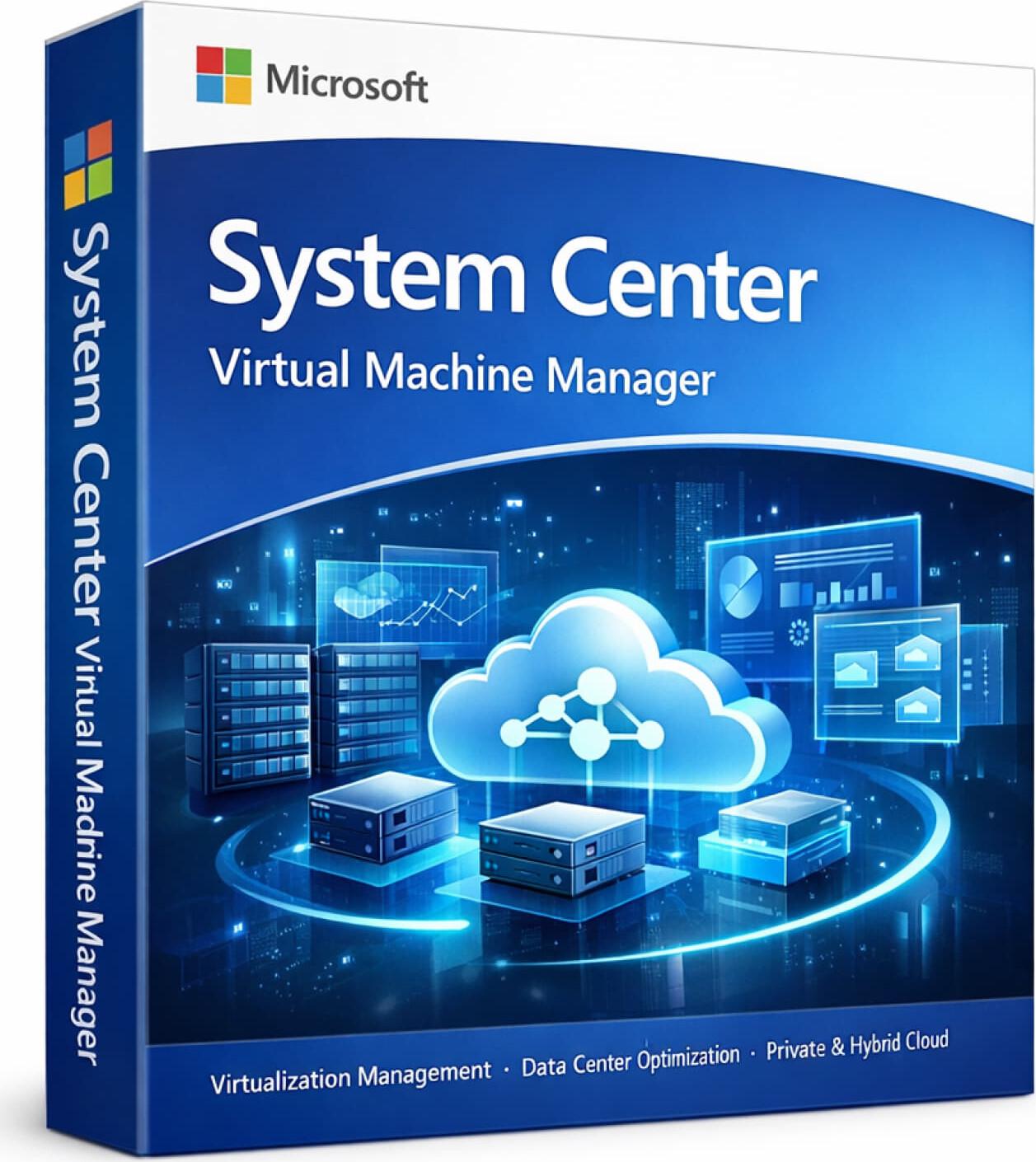




Microsoft System Center Virtual Machine Manager (SCVMM) is a powerful virtualization management solution designed for enterprises and IT administrators who need to efficiently manage virtual machines, hosts, and datacenter resources. It provides a centralized platform to deploy, configure, and manage virtualized environments across on-premises and hybrid infrastructures.
✅ Available for Windows Server environments
SCVMM is part of the Microsoft System Center suite, focused specifically on virtualization, cloud infrastructure management, and datacenter optimization.
✅ Genuine Microsoft Enterprise Solution
✅ Centralized Virtual Machine Management
✅ Hyper-V & Virtualization Platform Support
✅ Automated VM Deployment & Provisioning
✅ Resource Optimization & Load Balancing
✅ Private Cloud Management
✅ Integration with System Center Tools
✅ Scalable for Enterprise Environments
✅ Supports Multiple Languages
✅ Official Microsoft SCVMM Installer
SKU: MS-SC-VMM-DIG
Categories: System Center
Product: Microsoft System Center Virtual Machine Manager
Category: Virtualization & Infrastructure Management Software
Best For: Enterprises, IT administrators, data centers, virtualization environments
Device Support: Server + Virtual Infrastructure
Platform: Windows Server
✅ Virtual Machine Deployment & Management
✅ Hyper-V Host Management
✅ Storage & Network Resource Management
✅ Private Cloud Management Tools
✅ Automation & Template-Based Deployment
✅ Integration with System Center Suite
⚠️ Typically deployed as part of the System Center environment.
Manage all virtual machines, hosts, storage, and network resources from a single console.
Quickly deploy virtual machines using templates and automation tools for faster provisioning.
Balance workloads efficiently across servers using dynamic resource allocation.
Create and manage private cloud environments for better control over IT resources.
Manage hosts, clusters, networks, and storage to ensure optimal performance and scalability.
Work seamlessly with other System Center tools for monitoring, automation, and data protection.
• Centralized control over virtualization infrastructure
• Faster VM deployment and provisioning
• Improved resource utilization and efficiency
• Scalable for large datacenter environments
• Reliable performance for enterprise workloads
• Complete Virtualization Management – Control all VM resources in one place
• Enterprise-Ready Platform – Designed for large IT environments
• Automation Focused – Reduce manual workload
• Cloud-Ready – Supports private and hybrid cloud setups
• Seamless Integration – Works with System Center ecosystem
• This is an enterprise virtualization management solution
• Typically used as part of the System Center suite
• Requires Windows Server and SQL Server
• Designed for IT administrators and enterprise environments
• Installation and configuration require technical expertise
Version: Microsoft System Center Virtual Machine Manager
License Type: Perpetual (Volume Licensing)
Activation: Server-based setup
Device/User Limit: Depends on licensing model
Delivery Method: Email (License details / Setup information)
Included: Installation & Configuration Guide
Support: Setup guidance (where applicable)
Your email address will not be published. Required fields are marked *
Please login to write review!
Looks like there are no reviews yet.
৳16,500 ৳66,000
৳14,375 ৳57,500
৳12,250 ৳49,000
৳10,000 ৳40,000
৳13,625 ৳54,500
৳13,625 ৳54,500
৳13,625 ৳54,500



