Brand: Microsoft
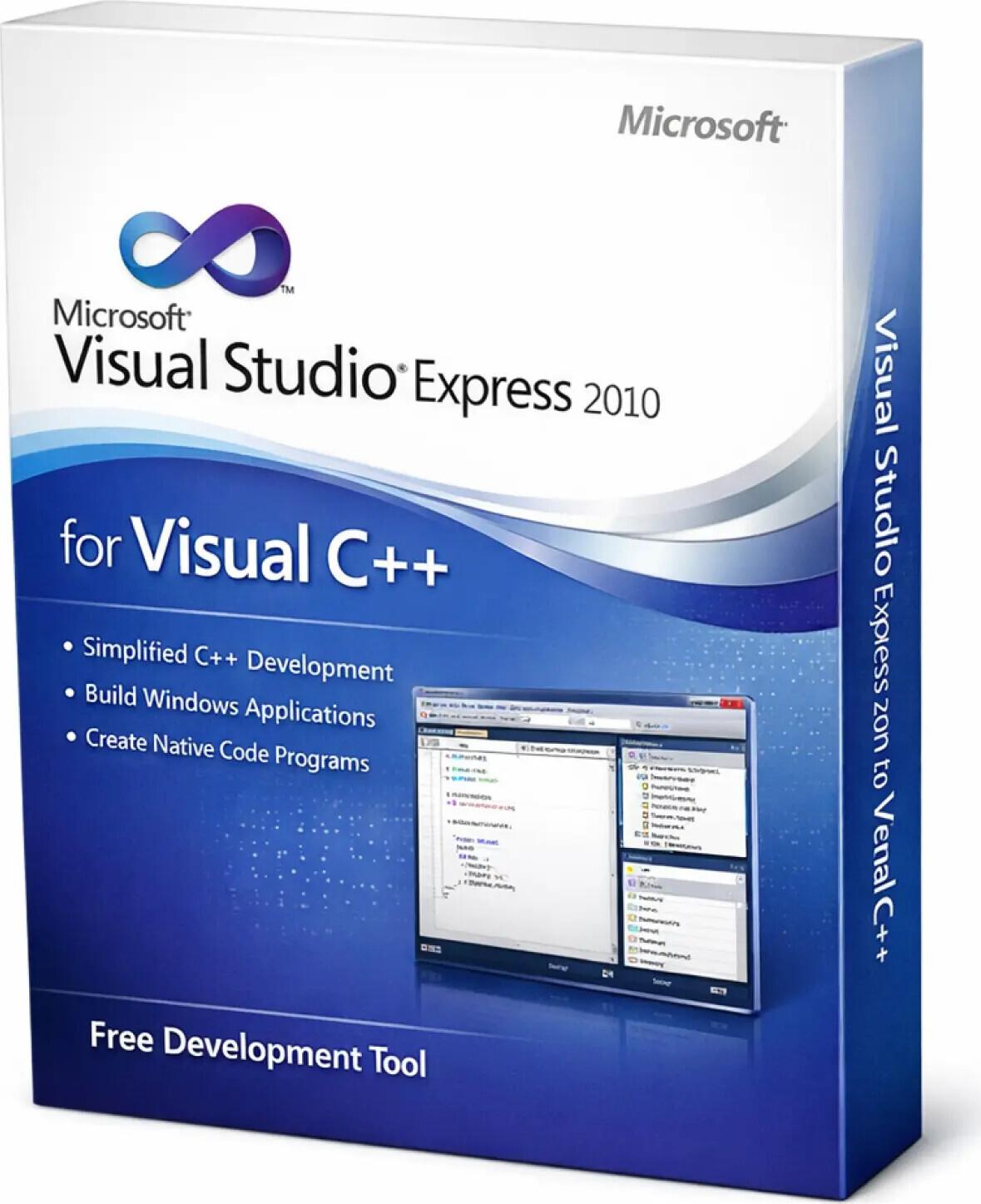
Visual Studio Express 2010 for Visual C++ is a lightweight and efficient integrated development environment (IDE) designed for students, beginners, and developers who want to build applications using C++. It provides essential tools for creating Windows desktop applications, making it ideal for learning and small-scale development.
✅ Genuine Setup Package
✅ C++ Focused IDE (Express Edition)
✅ Free and lightweight development environment
✅ Beginner-friendly interface
✅ Built-in code editor with IntelliSense
✅ Supports native Windows application development
✅ Basic debugging tools included
✅ Fast performance on low-end systems
✅ Ideal for learning C++ programming
✅ Installation support via AnyDesk, TeamViewer, UltraViewer & WhatsApp
SKU: MS-VS2010-EXP-CPP-DIG
Categories: Visual Studio 2010
Tags: visual studio xp, microsoft visual studio, visual studio license, developer tools, programming software, software development, visual studio xp license, visual studio express
Product Name: Visual Studio Express 2010 for Visual C++
Product Type: Integrated Development Environment (IDE)
Version: Express 2010 (C++ Edition)
Use For: Learning C++, desktop application development
Device Support: Desktop / Laptop
Device Limit: Single User
Activation Type: Not Required (Free Edition)
License Transfer: Not Applicable
License Validity: Free / Unlimited
Support: Installation assistance available
This edition is ideal for developers starting with C++:
• ✅ Lightweight and easy to use
• ✅ Perfect for learning native C++ programming
• ✅ Runs smoothly on older systems
• ✅ Free edition with no license cost
• ✅ Suitable for basic Windows applications
• ✅ Stable and reliable environment
✅ C++ Development: Build native Windows applications
✅ IntelliSense: Smart code suggestions and completion
✅ Debugging Tools: Identify and fix issues efficiently
✅ Code Editor: Clean and structured development interface
✅ Project Templates: Pre-built templates for faster development
✅ Windows API Support: Develop system-level applications
✅ Ideal for beginners and students
✅ Smooth performance on low-spec hardware
✅ Easy learning curve for C++
✅ Suitable for academic and small projects
✅ Quick and simple setup
• Express edition has limited features compared to Professional/Enterprise
• No advanced debugging or enterprise tools
• Designed mainly for learning and small projects
• Compatible with older Windows systems
• Microsoft Office is NOT included
Delivery Time: Instant (Digital Product)
Your email address will not be published. Required fields are marked *
Please login to write review!
Looks like there are no reviews yet.
These cookies are essential for the website to function properly.
These cookies help us understand how visitors interact with the website.
These cookies are used to deliver personalized advertisements.



