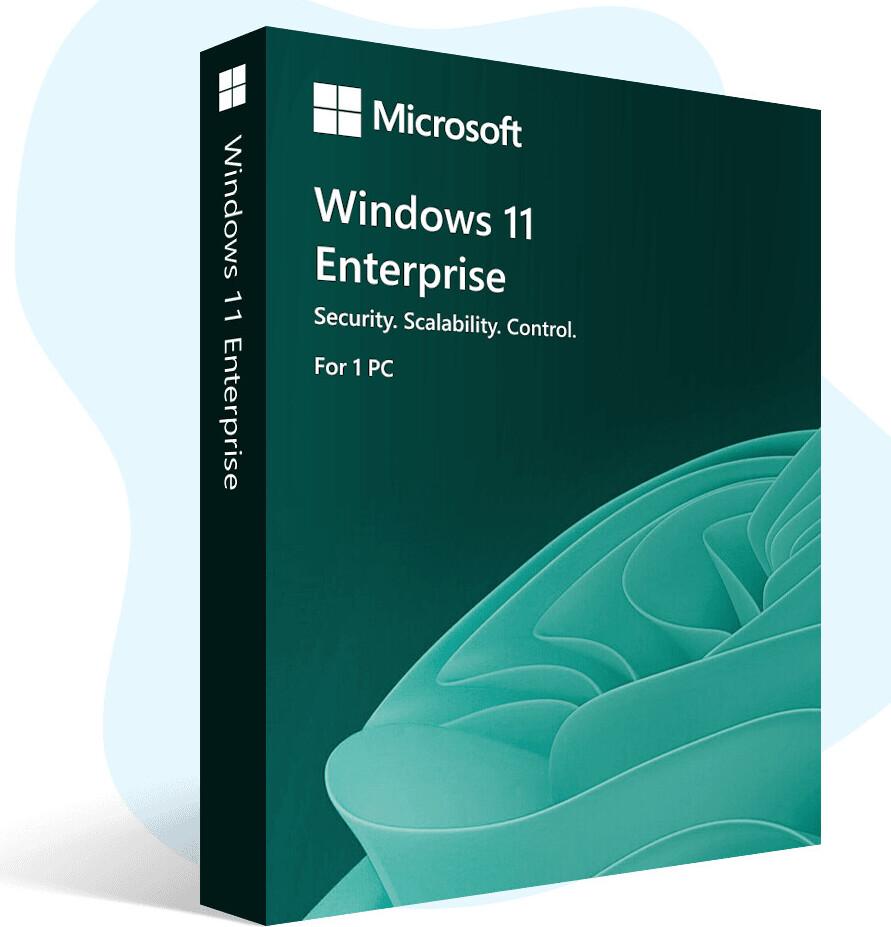
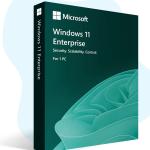
Windows 11 Enterprise is a powerful, modern, and highly secure Windows edition built for organizations and IT‑managed environments. It includes everything in Windows 11 Pro, and adds advanced security, stronger control, and enterprise‑level management for better protection and smoother deployment across multiple PCs.
Windows 11 Enterprise is ideal for companies that need stronger data security, device control, and centralized management. It supports professional features like BitLocker and Remote Desktop (Host), plus extra enterprise tools such as advanced device/app control, stronger identity protection, and more IT management options.
⚠️ Important Notice: Windows 10 support has ended, so moving to Windows 11 is a smart way to stay protected and up to date.
Key Features
✅ Genuine License Key ✅ 1 PC / 1 Key – Lifetime Activation ✅ Digital License & Online Activation ✅ Easy activation after Windows setup (enter key and activate online) ✅ Lifetime Updates (as long as Microsoft supports Windows 11) ✅ Supports all languages ✅ Non‑transferable (cannot be moved to another device) ✅ Can be used to upgrade to Windows 11 Enterprise directly (in many cases, no reinstall needed) ✅ License links to your PC hardware + Microsoft account (reinstall on same PC = auto‑activate, no need to enter key again) ✅ Latest version official Windows 11 Enterprise ISO download link (latest build)
Product: Microsoft Windows 11 Enterprise Type: Operating System Use For: Corporate/office environments, IT management, enterprise security, business tasks, remote work, professional use Device Support: Desktop / Laptop
💎 Why You Should Use Genuine Windows 11
Genuine Windows is safer, more stable, and gives you the full Windows experience.
• Genuine security updates Helps protect your PC from new viruses, malware, and hacking. • Stable activation No “Activate Windows” watermark and no sudden deactivation. • Full features work properly Microsoft Store, updates, personalization, and security tools work as expected. • Better performance & fewer errors System files stay original and not modified. • Safe for work, study, and online banking Trusted protection for important personal and work data. • Easy reinstall on the same PC Often auto‑activates when linked to your hardware/Microsoft account. • Peace of mind No crack tools, no hidden risks, and no update problems.
⚠️ Important Notice for Windows 10 Users
• Windows 10 no longer receives regular security updates. • Using an unsupported system can increase risk of malware and security threats. • Windows 11 Enterprise keeps your system on a modern, supported platform.
🔐 Security Features (Enterprise‑Grade Protection)
Microsoft Defender Antivirus (Built‑in) Helps protect against viruses, malware, and threats.
BitLocker Drive Encryption Encrypts your drive to protect important files and personal/business data.
Secure Sign‑In Options PIN sign‑in and Windows Hello support (fingerprint/face) on compatible devices.
Hardware‑Based Security Support Works with modern PC security features like TPM and Secure Boot (required for Windows 11).
Advanced Enterprise Security (Edition Benefits) Includes additional security controls designed for organizations and IT-managed PCs. (Some advanced features may require specific setup or organization licensing/services.)
💼 Enterprise Features (More Control Than Pro)
Remote Desktop (Host) Access your PC remotely when you are away (useful for remote work and IT support).
Group Policy & Advanced Management Better control over system settings and policy management for work PCs.
Enterprise‑Level App & Device Control More tools to control what apps can run and how devices are secured in a company environment. (Availability can depend on how the PC is managed and configured.)
Deployment & IT Tools (For Organizations) Designed to support large deployments, standardized setup, and managed updates in business environments.
⚡ Productivity & Multitasking
• Snap Layouts – quickly arrange windows on the screen • Multiple Desktops – separate work, study, and personal tasks • Improved Search – find files, apps, and settings faster • Widgets – quick view of useful updates in one place • Microsoft Teams integration – easy communication and meetings (may vary by updates/settings)
🎮 Performance & Graphics
• DirectX support for smooth graphics on compatible devices • Better performance on modern hardware (SSD recommended) • Good for everyday use, creative tasks, and professional workloads (depending on PC specs)
🤖 Copilot – Windows 11’s AI Assistant (Get Answers Fast)
Copilot is built into Windows 11 to help you work faster. It can answer questions and help you take actions—like changing a setting, opening an app, or summarizing information.
With Copilot, you can: • Ask questions and get quick answers • Summarize web pages or long text • Help with writing (emails, posts, documents, ideas) • Generate images from your ideas using AI • Get coding suggestions while you type • Support teamwork with tools like GitHub (Availability may vary by region and updates.)
✅ System Requirements (Minimum)
• Processor: 1 GHz or faster, 2+ cores, compatible 64‑bit CPU • RAM: 4 GB minimum • Storage: 64 GB or more • Firmware: UEFI, Secure Boot capable • TPM: TPM 2.0 • Graphics: DirectX compatible graphics with supported driver • Display: 720p or higher, 9” or larger • Internet: required during initial setup and for updates
📦 What You Will Receive
Version: Windows 11 Enterprise Product: Windows 11 Enterprise License Key Access Options: Desktop / Laptop Delivery Method: Email Delivery Time: Instant Activation Type: Online Device Limit: 1 PC only License Transfer: Non-transferable (cannot be moved to another device) License Validity: Lifetime (one-time purchase) Included: Installation & Activation Guide Support: Remote Assistance Support (AnyDesk / TeamViewer) + WhatsApp Instruction
📝 Important Notes
• This product is for Windows 11 Enterprise only. • Microsoft Office is not included (Windows license only). • Make sure your PC meets Windows 11 requirements before purchase. • Official Windows 11 Enterprise ISO download link (latest version) — valid for 24 hours after purchase confirmation. If you can’t download within this time, contact our support team and we will generate a new link.
Genuine Microsoft Windows 11 Enterprise 32/64 Bit Full Version (One-Time Purchase)
This product will seamlessly work wit either a fresh installation or an upgrade to Windows 11 Enterprise Edition from Windows 11 Home or Professional (Except Windows 11 Enterprise LTSC or IoT LTSC)
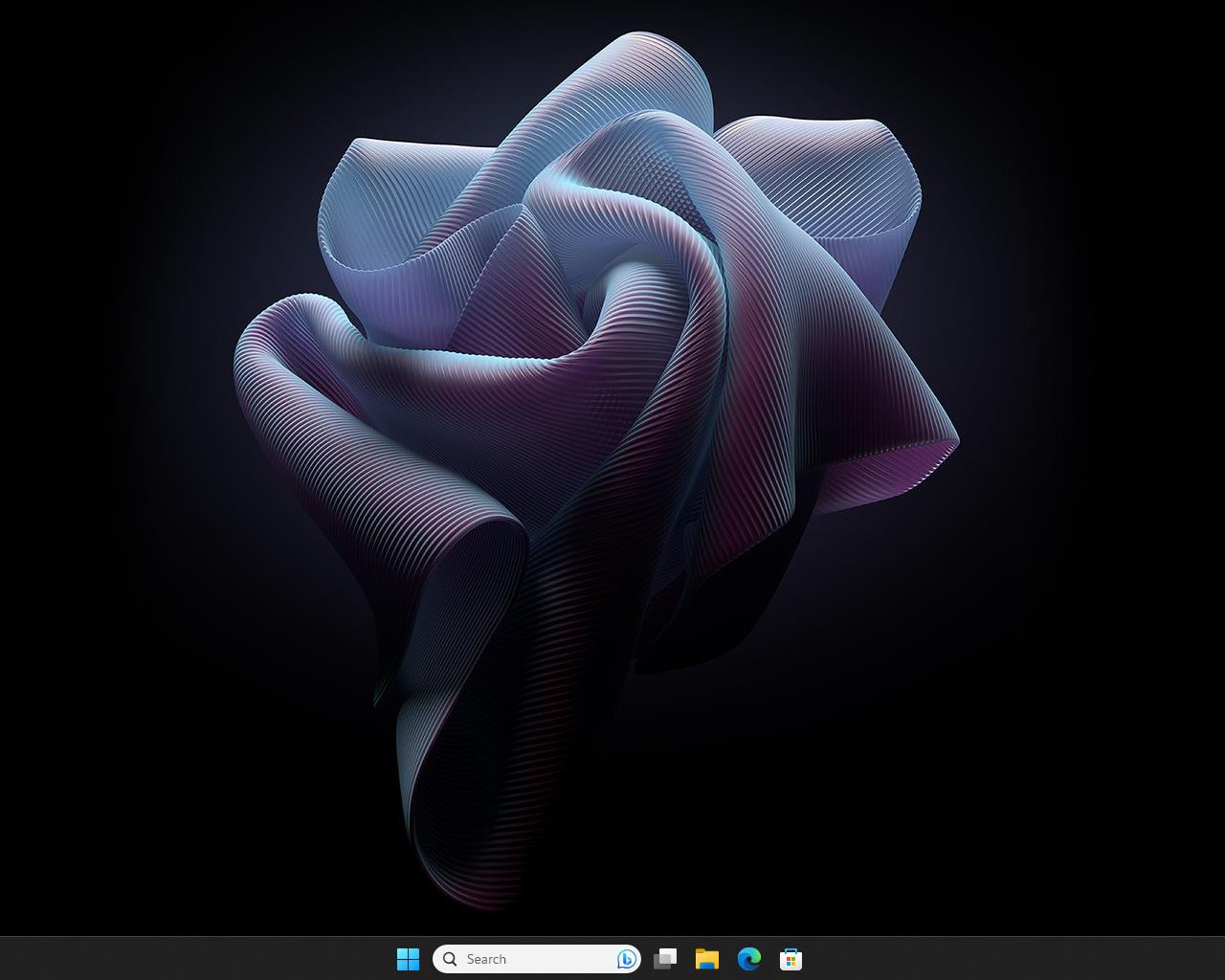
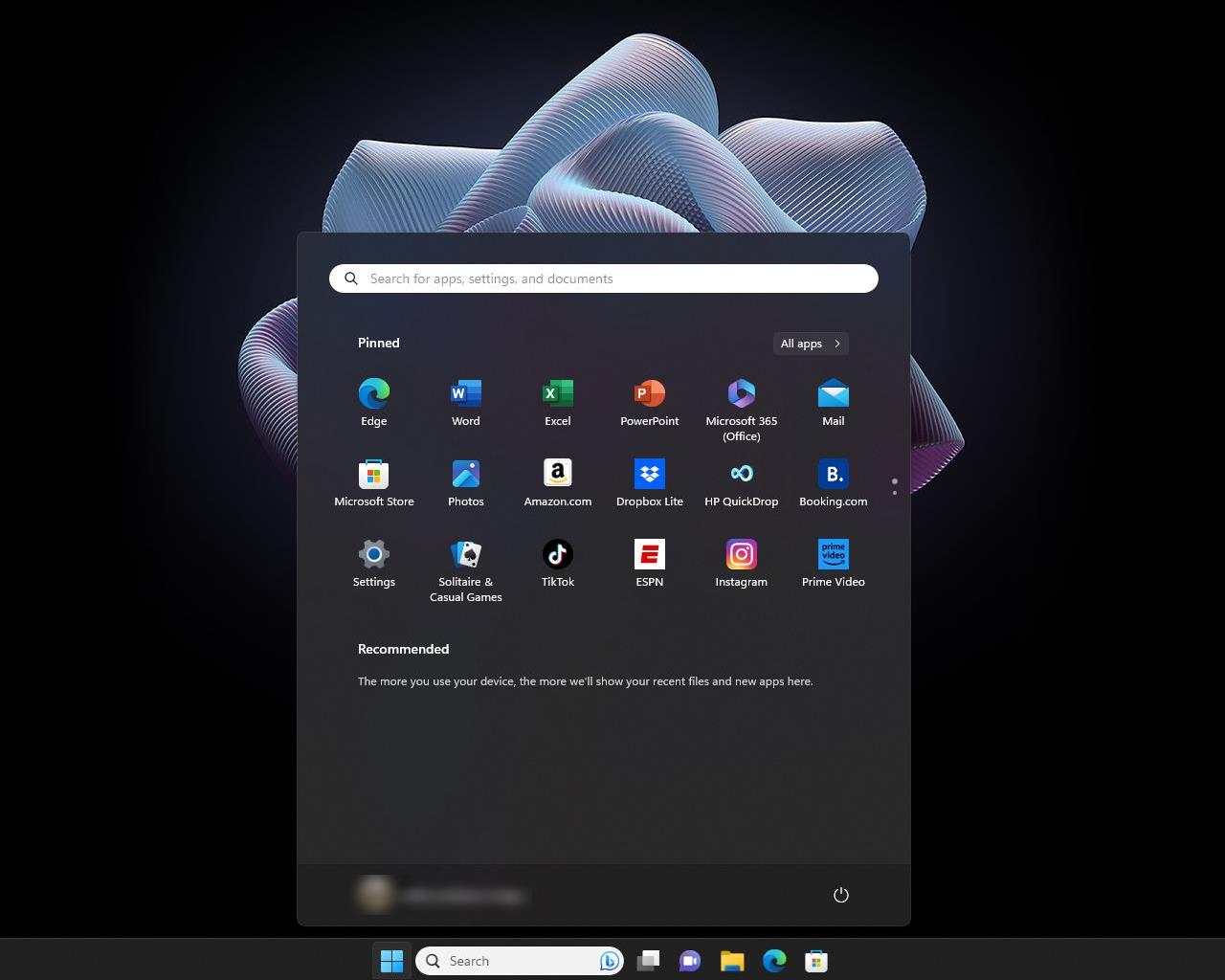
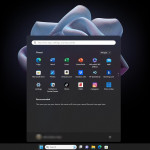
Microsoft Windows 11, released on October 5, 2021, is the latest major version of the Windows operating system. It brings a redesigned interface, improved performance, enhanced security, and features focused on productivity and modern computing needs.
Windows 11 is the latest operating system from Microsoft, designed to offer a modern and streamlined user experience. Here are some key details about Windows 11:
Why do you buy from us?
Expert advice on any Product-related matter without any extra cost.
Expert advice on Product download, installation, and activation free of charge.
Buy our server products without any hesitation, as we will give you the complete set of instructions needed until it is fully activated, or we will refund your money in full.
100% Full Refund or Replacement Guaranteed in case of any failure and without any drama, which gives you complete peace of mind.
We are an Australian GST registered business (ABN: 43 657 323 491). Contact us at +61 3 9013 7712, +61 0480 330 414 or National Toll-Free: +61 1300 849 283 (operating for 12 years).
100% Genuine & Full Edition
Instant delivery to your email inbox
Remote installation support is provided (free of charge).
Global Edition (Works Worldwide)
Electronic Download Version
Windows 11 Editions — Full Technical Comparison:
Feature Category
Windows 11 Pro
Windows 11 Enterprise
Windows 11 Enterprise LTSC
Windows 11 IoT Enterprise
Intended Users
Small businesses, power users
Large organizations, managed IT
Long-term devices, stable corporate environments
Fixed-purpose / embedded systems (ATMs, kiosks, POS, industrial PCs)
License Type
Retail / OEM / Volume
Volume Licensing (E3/E5, Microsoft 365)
Volume Licensing (LTSC only)
OEM / Embedded / Volume Licensing
Base Build
Standard
Based on Pro with added enterprise features
Based on Enterprise with no feature updates
Based on Enterprise LTSC with IoT enhancements
Update Channel
Semi-Annual Feature Updates
Semi-Annual Feature Updates
Long-Term Servicing Channel (LTSC) (no feature updates, only security)
LTSC (10-year servicing)
Support Lifecycle
~24–36 months
36 months per release
10 years total (5 mainstream + 5 extended)
10 years total (5+5)
Feature Update Frequency
1 per year
1 per year
None (only cumulative security updates)
None (only cumulative security updates)
Upgrade Path
Home → Pro → Enterprise
Pro → Enterprise
Enterprise → LTSC
Enterprise IoT only (not upgradeable to standard Enterprise)
We use cookies to ensure the best experience on amatullah.bd. Your privacy matters — read our Cookie Policy to learn more or manage preferences.
Cookie Policy
These cookies are essential for the website to function properly.
These cookies help us understand how visitors interact with the website.
These cookies are used to deliver personalized advertisements.



 Why do you buy from us?