



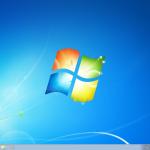
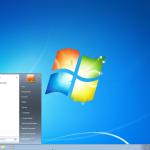
Windows 7 Professional is a stable, powerful, and business‑ready operating system designed for professionals, offices, and advanced home users. It combines the familiar Windows 7 interface with professional tools such as Domain Join, Remote Desktop, and advanced networking, making it ideal for work and productivity on legacy systems.
✅ Genuine License Key
✅ 1 PC / 1 Key – Lifetime Activation
✅ Online Activation
✅ Easy activation after Windows setup
✅ Lifetime Activation (one‑time purchase)
✅ Supports multiple languages
✅ Non‑transferable (cannot be moved to another device)
✅ Suitable for clean install or reinstall or upgrade from Windows XP/ Vista
✅ Official Windows 7 Professional ISO available
✅ Install & activation help via AnyDesk, TeamViewer, or UltraViewer, plus WhatsApp guidance.
SKU: MS-W7-PRO-DIG
Categories: Windows 7
🔥 Product Overview
Product Name: Microsoft Windows 7 Professional
Product Type: Professional Operating System
Version: Windows 7 Professional
Use For: Office work, business tasks, freelancing, study, and professional use
Device Support: Desktop / Laptop
Device Limit: 1 PC only
Activation Type: Online
License Transfer: Non-transferable
License Validity: Lifetime (one-time purchase)
Support: Installation and activation assistance via AnyDesk, TeamViewer, or UltraViewer, along with guidance through WhatsApp.
💎 Why You Should Use Genuine Windows
Using a genuine Windows license ensures reliability, security, and full access to all features.
• Stable & verified activation: No “Activate Windows” watermark and no risk of sudden deactivation.
• Full feature access: Enjoy all built-in tools, system features, and functionality without restrictions.
• Authentic Microsoft system files: No cracks, malware, or altered components—just a clean system.
• Better performance & reliability: Optimized operation with fewer crashes and system issues.
• Regular updates & security: Stay protected with official updates and patches from Microsoft.
• Peace of mind: A safe, professional, and dependable Windows experience for work or personal use.
🪟 About Windows 7
Windows 7 is a popular operating system developed by Microsoft and released to the public on October 22, 2009. It was designed to address the shortcomings of its predecessor, Windows Vista, and improve the user experience with a focus on performance, compatibility, and ease of use
⭐Why People Still Love Windows 7
1. Simplicity and Familiar User Interface
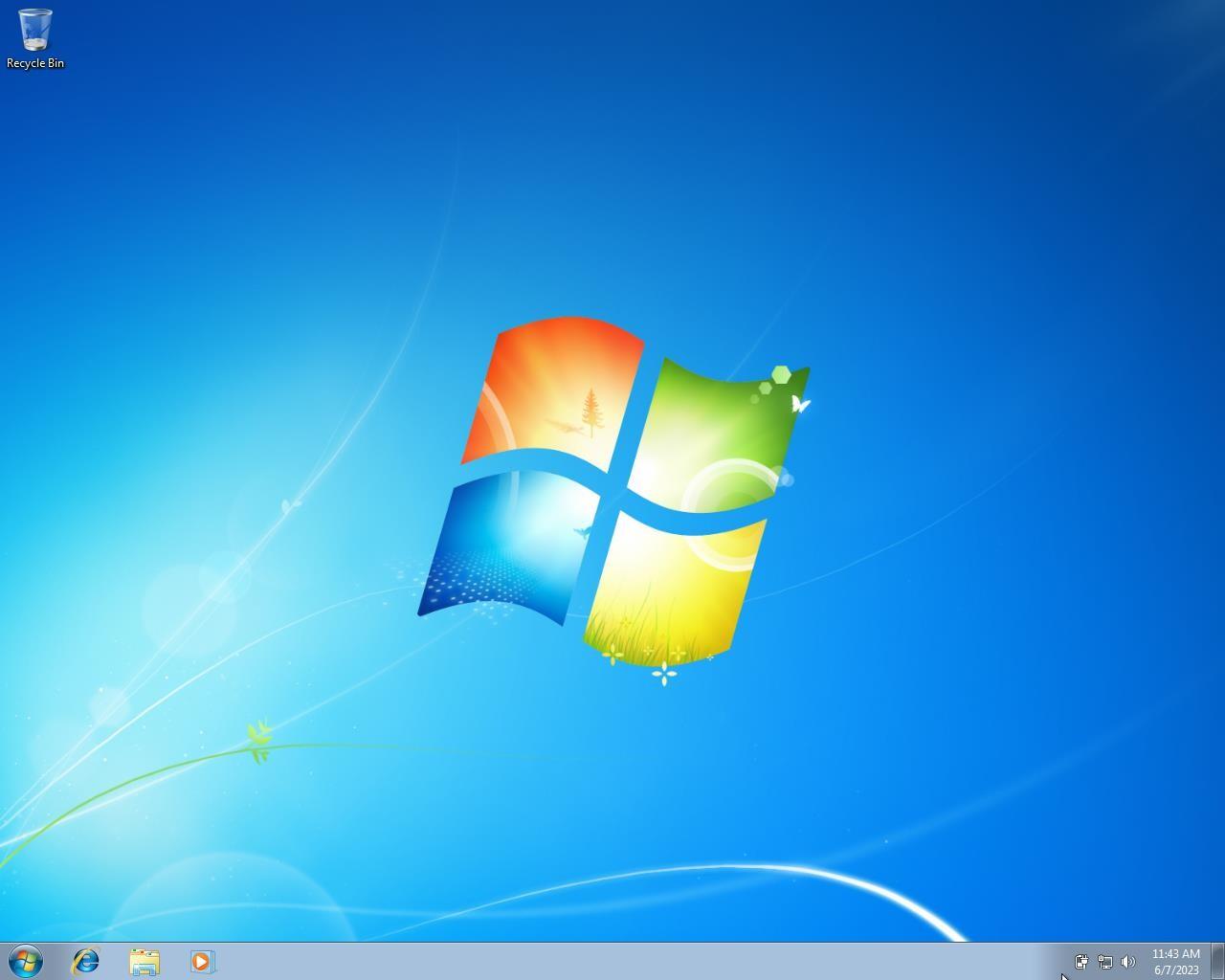
Clean, classic desktop layout — no tiles, no distractions.
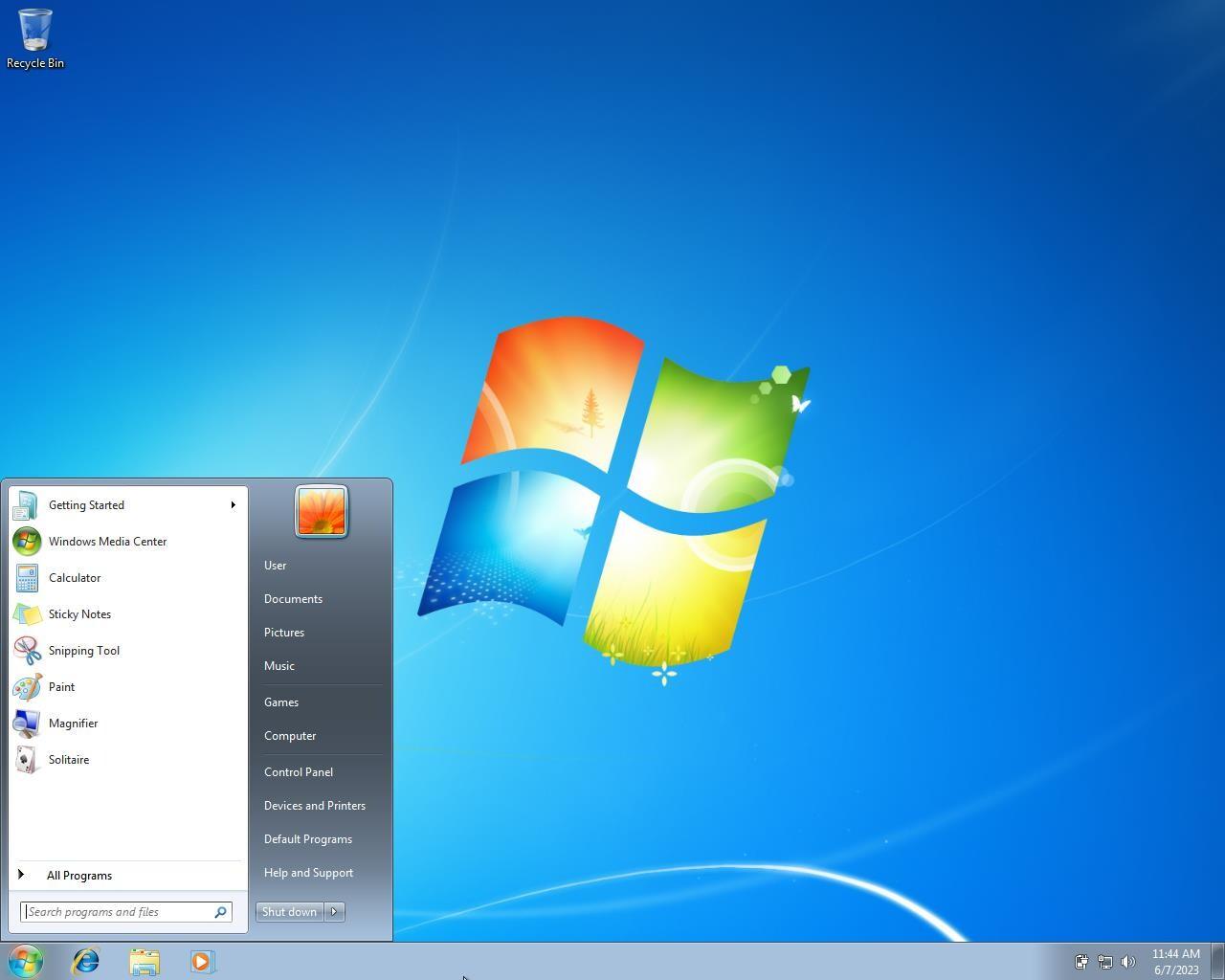
Start Menu and Control Panel are straightforward and predictable.
Users appreciate the familiar navigation from XP and Vista days.
No complex “Settings” app or split menus like in Windows 10/11.
2. Lightweight and Fast Performance
Runs smoothly on older hardware (even with 2–4 GB RAM).
Lower background resource usage compared to Windows 10 or 11.
Boots faster on older HDDs and requires fewer background updates.
Ideal for legacy PCs and laptops that can’t handle newer systems.
3. High Stability and Reliability
Considered one of the most stable Windows releases ever.
Fewer crashes and compatibility issues once updates were finalized.
Proven track record for long-term uptime in industrial and embedded systems.
4. Excellent Compatibility with Older Software and Hardware
Works seamlessly with legacy applications and 32-bit programs.
Compatible with older drivers, printers, scanners, and peripherals that don’t work on Windows 10/11.
Many industries (manufacturing, healthcare, education) still depend on older apps that were designed for Windows 7.
5. Minimal Background Updates and Telemetry
Users have more control over updates — no forced reboots or automatic restarts.
Less telemetry and data collection than modern Windows versions.
Users feel more private and in control of their system operations.
6. Classic Look and Feel
Traditional Aero Glass theme and visual effects remain iconic and elegant.
Users love the taskbar preview, window snapping, and transparency effects introduced with Windows 7.
Feels professional, minimal, and familiar — not overloaded with modern UI elements.
7. Strong Offline Functionality
Fully functional without constant internet connectivity.
No dependency on Microsoft accounts, OneDrive, or cloud syncing.
Perfect for standalone or air-gapped systems in sensitive environments.
8. Lower Hardware and Licensing Costs
Runs efficiently on inexpensive or older PCs — no need for new hardware upgrades.
Often used for legacy terminals, cash registers, kiosks, and industrial controllers.
No recurring subscription or cloud tie-ins — a one-time license system.
9. Predictability and Familiarity for Businesses
IT admins and users already know it — less training required.
Stable, well-documented, and supported by decades of experience.
Many organizations continue to use it for specific workflows that “just work.”
10. Nostalgia and Trust
Windows 7 represents the “golden era” of Windows stability and design.
Loved for its balance between modern features and old-school usability.
Many users simply trust it more than newer, constantly changing systems.
⚠️ However — Key Drawbacks to Keep in Mind
While people still love Windows 7, it’s important to note:
Official support ended on January 14, 2020 (and extended security updates ended in 2023).
No security updates, leaving it vulnerable to modern cyber threats.
Limited compatibility with modern hardware, browsers, and apps.
No support for TPM 2.0, UEFI Secure Boot, or newer CPUs.
✅ In Short — Why People Still Love Windows 7
| Reason | Description |
|---|---|
| Simplicity | Easy to use, clean interface |
| ⚡ Speed | Runs fast on older hardware |
| Compatibility | Works with older software and drivers |
| Control | No forced updates or telemetry |
| Design | Classic Aero look and feel |
| Stability | Mature and proven reliability |
| Cost | Great for low-budget or legacy systems |
Complete technical comparison between windows 7 Home vs Professional vs Ultimate
| Category | Windows 7 Home Premium | Windows 7 Professional | Windows 7 Ultimate |
|---|---|---|---|
| Target Users | Home users, basic computing | Small/medium business, power users | Advanced users, enterprises, IT professionals |
| Architecture Support | 32-bit and 64-bit | 32-bit and 64-bit | 32-bit and 64-bit |
| Maximum Physical Memory (RAM) | 16 GB (64-bit) | 192 GB (64-bit) | 192 GB (64-bit) |
| CPU Support | 1 physical CPU (Home) | 2 physical CPUs | 2 physical CPUs |
| Aero Glass Interface | ✔️ Yes | ✔️ Yes | ✔️ Yes |
| Desktop Experience (Themes, Gadgets, etc.) | ✔️ Yes | ✔️ Yes | ✔️ Yes |
| Windows Media Center / DVD Playback | ✔️ Yes | ✔️ Yes | ✔️ Yes |
| Windows Touch (Multitouch UI) | ✔️ Yes | ✔️ Yes | ✔️ Yes |
| Action Center / User Account Control (UAC) | ✔️ Yes | ✔️ Yes | ✔️ Yes |
| Networking – HomeGroup | ✔️ Yes | ✔️ Yes | ✔️ Yes |
| Networking – Domain Join | ❌ No | ✔️ Yes | ✔️ Yes |
| Networking – Group Policy Support | ❌ No | ✔️ Yes | ✔️ Yes |
| Remote Desktop (Host) | ❌ No (client only) | ✔️ Yes (host + client) | ✔️ Yes (host + client) |
| Offline Files & Folder Redirection | ❌ No | ✔️ Yes | ✔️ Yes |
| Location Aware Printing | ❌ No | ✔️ Yes | ✔️ Yes |
| Encrypting File System (EFS) | ❌ No | ✔️ Yes | ✔️ Yes |
| BitLocker Drive Encryption | ❌ No | ❌ No | ✔️ Yes |
| AppLocker (Application Control) | ❌ No | ❌ No | ✔️ Yes |
| BranchCache | ❌ No | ❌ No | ✔️ Yes |
| Backup & Restore (Network) | ❌ Local only | ✔️ Network backup supported | ✔️ Network backup supported |
| Windows XP Mode (Virtualized) | ❌ No | ✔️ Yes | ✔️ Yes |
| Virtual Hard Disk (VHD) Boot | ❌ No | ✔️ Yes | ✔️ Yes |
| Language Packs (Multilingual User Interface) | ❌ 1 language only | ❌ 1 language only | ✔️ All 35+ language packs |
| BitLocker To Go (USB Drive Encryption) | ❌ No | ❌ No | ✔️ Yes |
| BranchCache & DirectAccess | ❌ No | ❌ No | ✔️ Yes |
| Enterprise Search (Windows Search 4.0) | ✔️ Local | ✔️ Network capable | ✔️ Network capable |
| Windows Backup & Restore Center | ✔️ Basic | ✔️ Advanced | ✔️ Advanced |
| Windows Mobility Center | ✔️ Yes | ✔️ Yes | ✔️ Yes |
| Windows XP Program Compatibility | Limited | ✔️ XP Mode available | ✔️ XP Mode available |
| System Image Backup (Full) | ✔️ Yes | ✔️ Yes | ✔️ Yes |
| Windows Update / Automatic Updates | ✔️ Yes | ✔️ Yes | ✔️ Yes |
| Windows Defender / Firewall | ✔️ Yes | ✔️ Yes | ✔️ Yes |
| Max Number of Concurrent SMB Connections | 10 | 20 | 20 |
| License Type | Retail / OEM | Retail / OEM / Volume | Retail / OEM |
| BitLocker / EFS | ❌ / ❌ | ❌ / ✔️ | ✔️ / ✔️ |
| Price (Original Retail) | ~$119 USD | ~$199 USD | ~$219 USD |
| Support Status | Ended (Jan 14, 2020) | Ended (Jan 14, 2020) | Ended (Jan 14, 2020) |
| Feature Area | Best Edition | Explanation |
|---|---|---|
| Home Use | Home Premium | Basic entertainment, personal use, multimedia |
| Business Use | Professional | Adds domain join, remote desktop, EFS, XP Mode |
| Security & Enterprise | Ultimate | Adds BitLocker, multilingual support, AppLocker |
| Multi-Language Support | Ultimate | MUI packs for all languages |
| Virtualization | Professional / Ultimate | XP Mode and VHD boot support |
| Encryption | Ultimate | BitLocker and BitLocker To Go |
| Networking | Professional / Ultimate | Domain join, Group Policy, Offline Files |
Windows 7 Home Premium → Best for casual or home users who need multimedia, web, and office apps.
Windows 7 Professional → Ideal for small businesses, power users, or developers who need networking and virtualization tools.
Windows 7 Ultimate → Best for advanced users, multilingual environments, and high-security needs (BitLocker, AppLocker, etc.)
Windows 7 is a popular operating system developed by Microsoft and released to the public on October 22, 2009. It was designed to address the shortcomings of its predecessor, Windows Vista, and improve the user experience with a focus on performance, compatibility, and ease of use. Below are the full details about Windows 7:
Windows 7 was released in multiple editions, each tailored for different user needs:
Your email address will not be published. Required fields are marked *
Please login to write review!
Looks like there are no reviews yet.
৳1,000 ৳4,000
৳1,000 ৳4,000
৳1,000 ৳4,000
৳1,000 ৳4,000
৳1,000 ৳4,000
৳3,000 ৳12,000
৳3,000 ৳12,000



