Brand: Microsoft
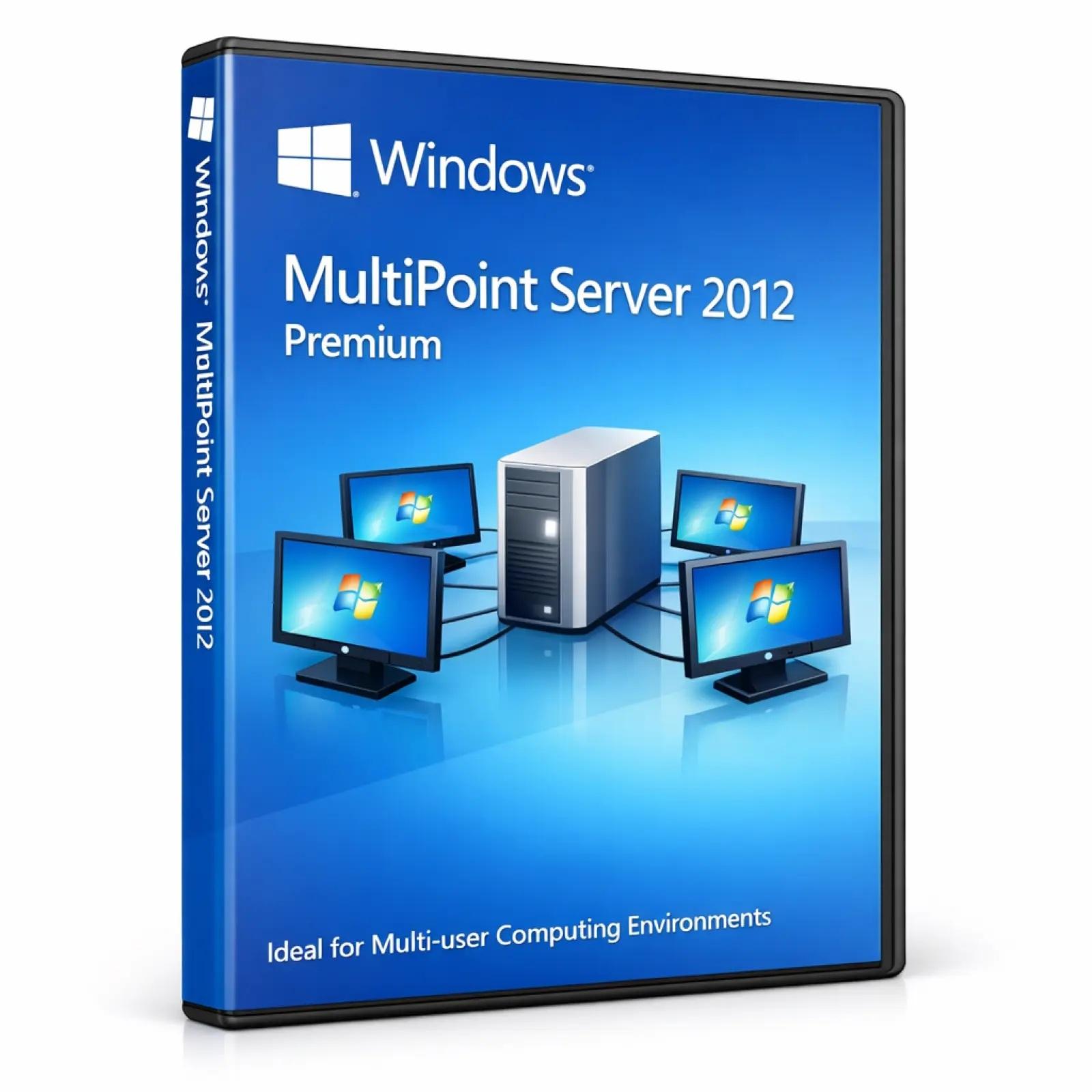
Windows MultiPoint Server 2012 Standard is a specialized Microsoft server operating system designed for shared computing environments where multiple users can access a single computer simultaneously. It is commonly used in classrooms, training labs, libraries, and small organizations to reduce hardware costs while enabling multi-user access.
⚠️ This product is discontinued and no longer supported by Microsoft, which means no security updates or official patches are available.
Windows MultiPoint Server 2012 Standard is suitable only for legacy or controlled environments.
✅ Official Microsoft Multi-user server platform
✅ Supports multiple users on a single machine
✅ Centralized user and session management
✅ Simple setup for shared computing environments
⚠️ Discontinued product (end of support)
⚠️ Limited compatibility with modern hardware/software
⚠️ No domain join support (Standard edition limitation)
✅ Supports basic Remote Desktop Services
✅ Supports multiple languages (Bangla input supported)
SKU: MS-WMS2012-STD-DIG
Categories: Windows Server 2012
Tags: microsoft windows, windows license, operating system, os license bangladesh, windows multipoint server, multipoint server license
Product: Windows MultiPoint Server 2012 Standard
Type: Multi-user Server Operating System
• School computer labs
• Training centers and classrooms
• Public access computing stations
• Libraries and shared PC environments
• Small office shared workstation setups
✔ Single physical server
✔ Multiple user stations (USB/RDP-based)
✔ Thin client environments (basic setups)
This edition is designed for simple and low-cost shared computing setups.
• Multi-user access
Multiple users can work independently on one system.
• Low hardware cost
Reduces need for multiple PCs in labs or classrooms.
• Easy management
Centralized control of user sessions and settings.
• Educational focus
Ideal for learning environments and training labs.
• Simple deployment
Faster setup compared to full enterprise server systems.
User Session Isolation
Each user runs in a separate session environment.
Basic Access Control
Manage users and permissions locally.
Windows Firewall
Provides basic network protection.
Local Account Management
Simple user management without domain integration.
⚠️ Lacks advanced enterprise security and modern protections due to end of support.
✅ MultiPoint Manager
Central tool to manage users and sessions.
✅ Station Management
Control connected user stations and devices.
✅ Session Monitoring
View and manage active user sessions.
✅ Local User Accounts
Simplified user administration (no domain requirement).
• Supports multiple concurrent users (hardware dependent)
• Efficient use of shared CPU, RAM, and storage
• Designed for small to medium shared environments
• Scalability limited compared to enterprise server editions
Best for educational or controlled environments with limited users.
Processor: 64-bit multi-core CPU
RAM: 4 GB minimum (8–16 GB recommended depending on users)
Storage: 40 GB minimum (SSD recommended)
Network: Ethernet required
⚠️ Performance depends heavily on number of connected users and system hardware.
Version: Windows MultiPoint Server 2012 Standard
Product: Microsoft Server Operating System
Delivery Method: Digital / OEM (varies by deployment)
Included:
✔ Installation Guide
✔ Setup Instructions
✔ Basic Configuration Documentation
• This product is discontinued and unsupported by Microsoft
• Not recommended for new installations
• No security updates or modern feature support
• Limited scalability and enterprise capabilities
• Suitable only for legacy or controlled environments
• For modern setups, Windows Server with Remote Desktop Services (RDS) is recommended
Your email address will not be published. Required fields are marked *
Please login to write review!
Looks like there are no reviews yet.
These cookies are essential for the website to function properly.
These cookies help us understand how visitors interact with the website.
These cookies are used to deliver personalized advertisements.



