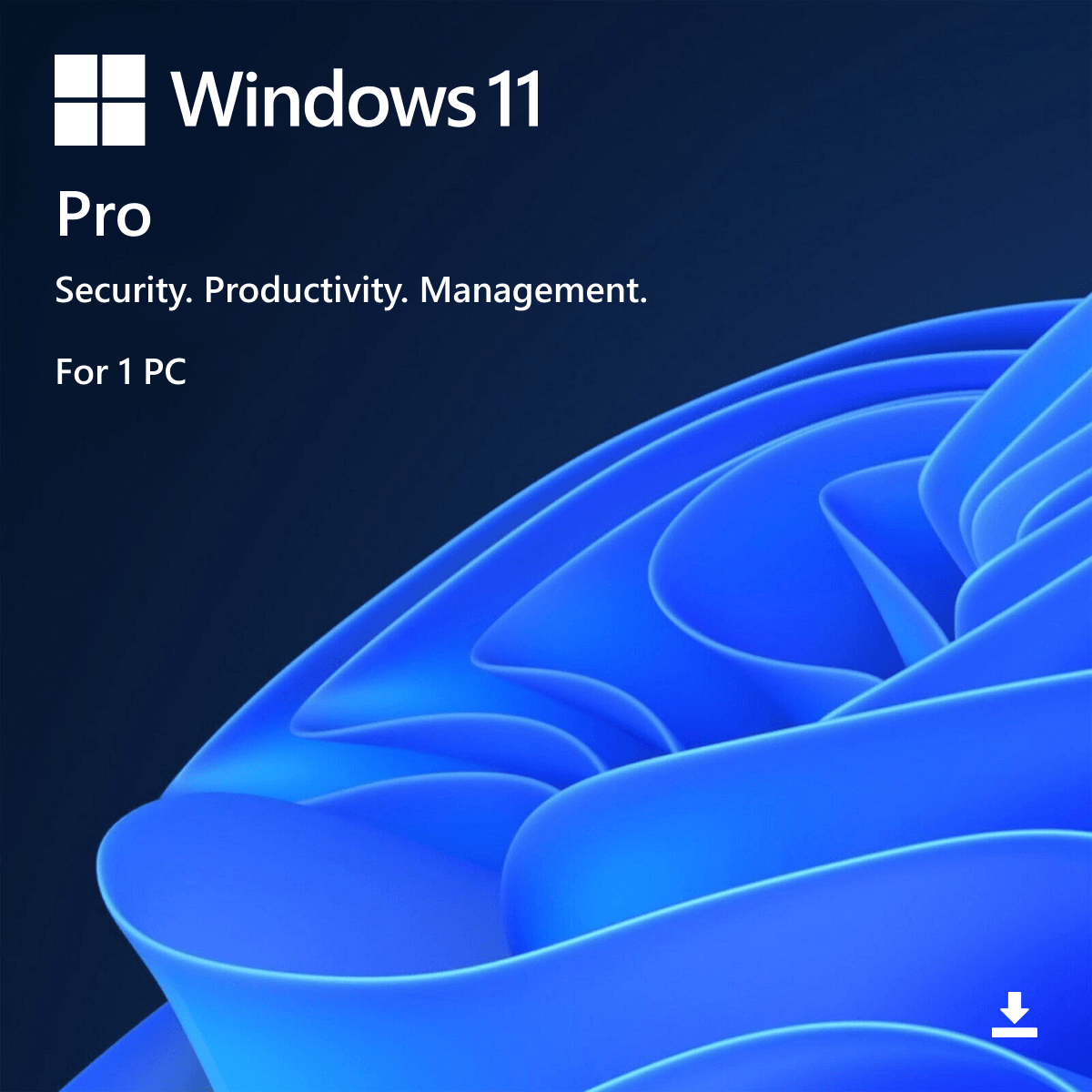
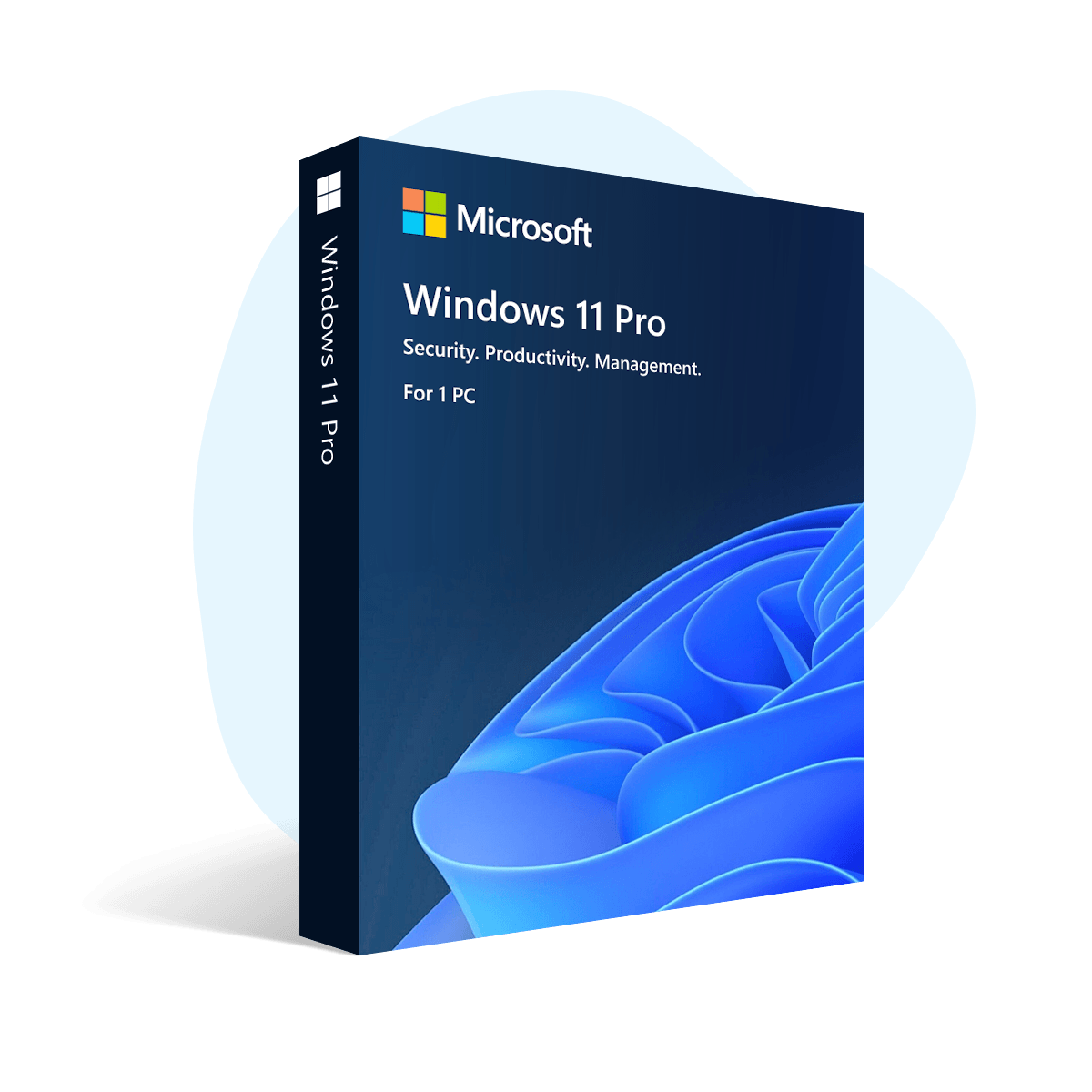
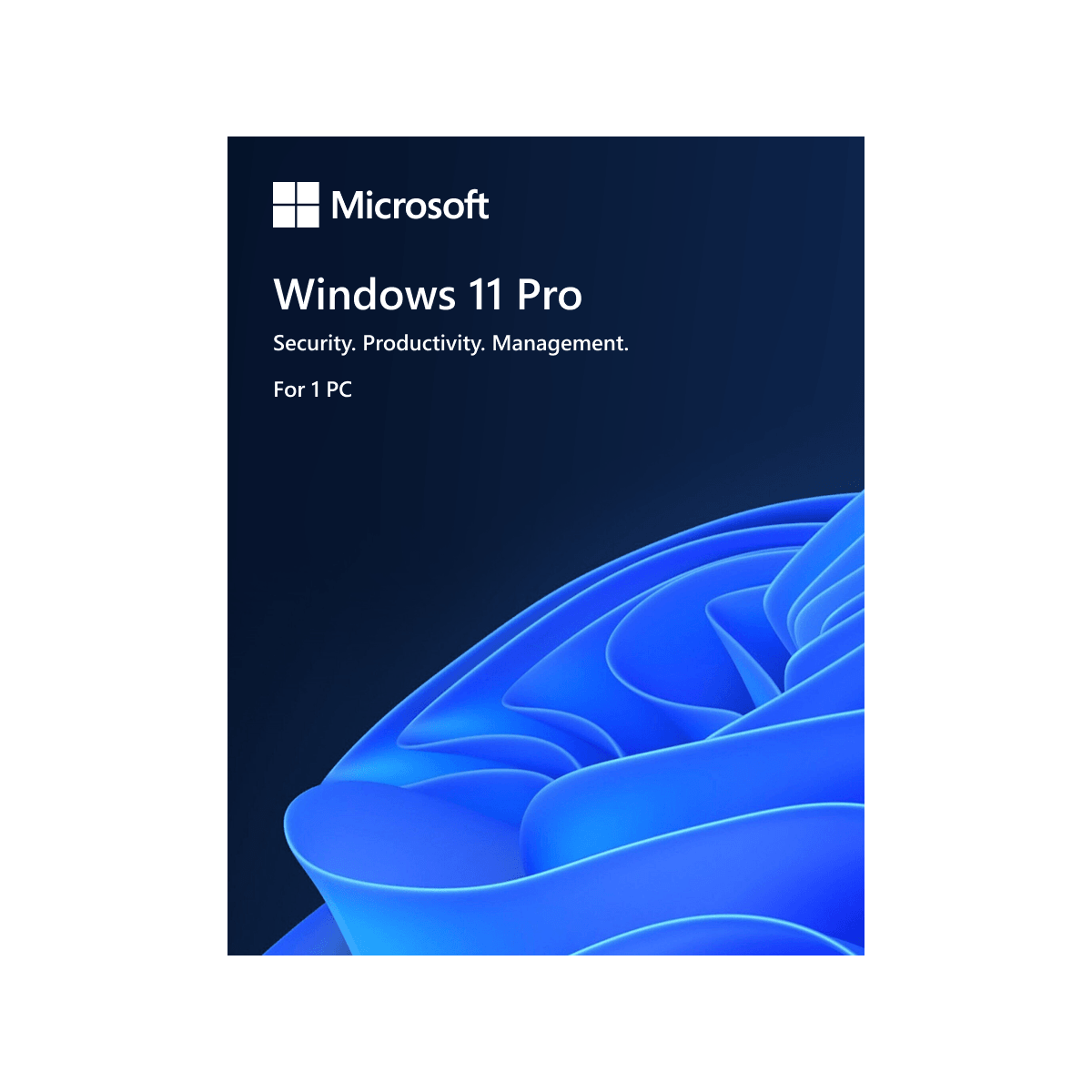
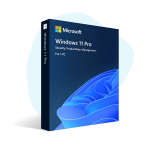
Windows 11 Pro is a fast, modern, and secure Windows version made for professional work. It offers better security, smooth performance, and business features like BitLocker and Remote Desktop.
⚠️ Windows 10 support has ended, so upgrading to Windows 11 Pro is a smart way to stay protected and up to date.
Features
✅ Genuine License Key ✅ 1 PC / 1 Key – Lifetime Activation ✅ Digital License & Online Activation ✅ Easy activation after Windows setup (enter key and activate online) ✅ Lifetime Updates (as long as Microsoft supports Windows 11) ✅ Supports all languages ✅ Non‑transferable (cannot be moved to another device) ✅ Can be used to upgrade Windows 11 Home edition to Windows 11 Pro directly (in many cases, no reinstall needed) ✅ License links to your PC hardware + Microsoft account (reinstall on same PC = auto‑activate, no need to enter key again)
✅ Latest Windows 11 Pro official ISO download available (including Consumer & Business editions)
✅ Install & activation help via AnyDesk, TeamViewer, or UltraViewer, plus WhatsApp guidance.
Use For: Office work, business tasks, freelancing, remote work, study, and professional use.
Device Support: Desktop / Laptop.
Activation Type: Online
Device Support: Desktop / Laptop
Best use For: Office work, business tasks, freelancing, study, and professional use.
Support: Installation and activation assistance via AnyDesk, TeamViewer, or UltraViewer, along with guidance through WhatsApp.
This product will seamlessly work with either a fresh installation or an upgrade to Windows 11 Professional Edition from Windows 11 Home or Enterprise.
💎Why You Should Use Genuine Windows 11
Genuine Windows 11 is safer, more stable, and gives you the full Windows experience.
• Genuine security updates: Helps protect your PC from new viruses, malware, and hacking.
• Stable activation: No “Activate Windows” watermark and no sudden deactivation.
• Full features work properly: Microsoft Store, updates, personalization, and security tools work as expected. • Better performance & fewer errors: System files stay original and not modified.
• Safe for work, study, and online banking: Trusted protection for important personal and work data.
• Easy reinstall on the same PC: Often auto‑activates when linked to your hardware/Microsoft account.
• Peace of mind: No crack tools, no hidden risks, and no update problems.
• Hassle‑free setup:License links to your PC hardware + Microsoft account (reinstall on same PC = auto‑activate, no need to enter key again).
⚠️ Why Windows 10 Users Should Move to Windows 11
• 🔐End of Support Risk: Windows 10 is reaching end of life, meaning it will no longer receive regular security updates or protection improvements.
• ⚠️Higher Security Risks: Using an unsupported system increases exposure to malware, viruses, and cyber threats due to missing security patches.
• 🛡️Stronger Built‑in Security: Windows 11 includes advanced protection like TPM 2.0, Secure Boot, and improved ransomware defense.
• ✅Stay Fully Supported: Windows 11 Pro keeps your system on a modern, supported platform with continuous security updates.
• 💼Safe for Work & Sensitive Tasks: Ideal for business, freelancing, banking, and study—where data protection is critical.
• 🔄Ongoing Updates & Protection: Regular security patches, bug fixes, and improvements ensure long‑term system safety.
• 🧘Peace of Mind: Genuine Windows 11 means no cracks, no hidden risks, and reliable protection for your data and system.
🔥Full Overview
Microsoft Windows 11, released on October 5, 2021, is the latest major version of the Windows operating system. It brings a redesigned interface, improved performance, enhanced security, and features focused on productivity and modern computing needs.
Top 12 compelling reasons why you should buy or upgrade to Windows 11:
1. Modern User Interface
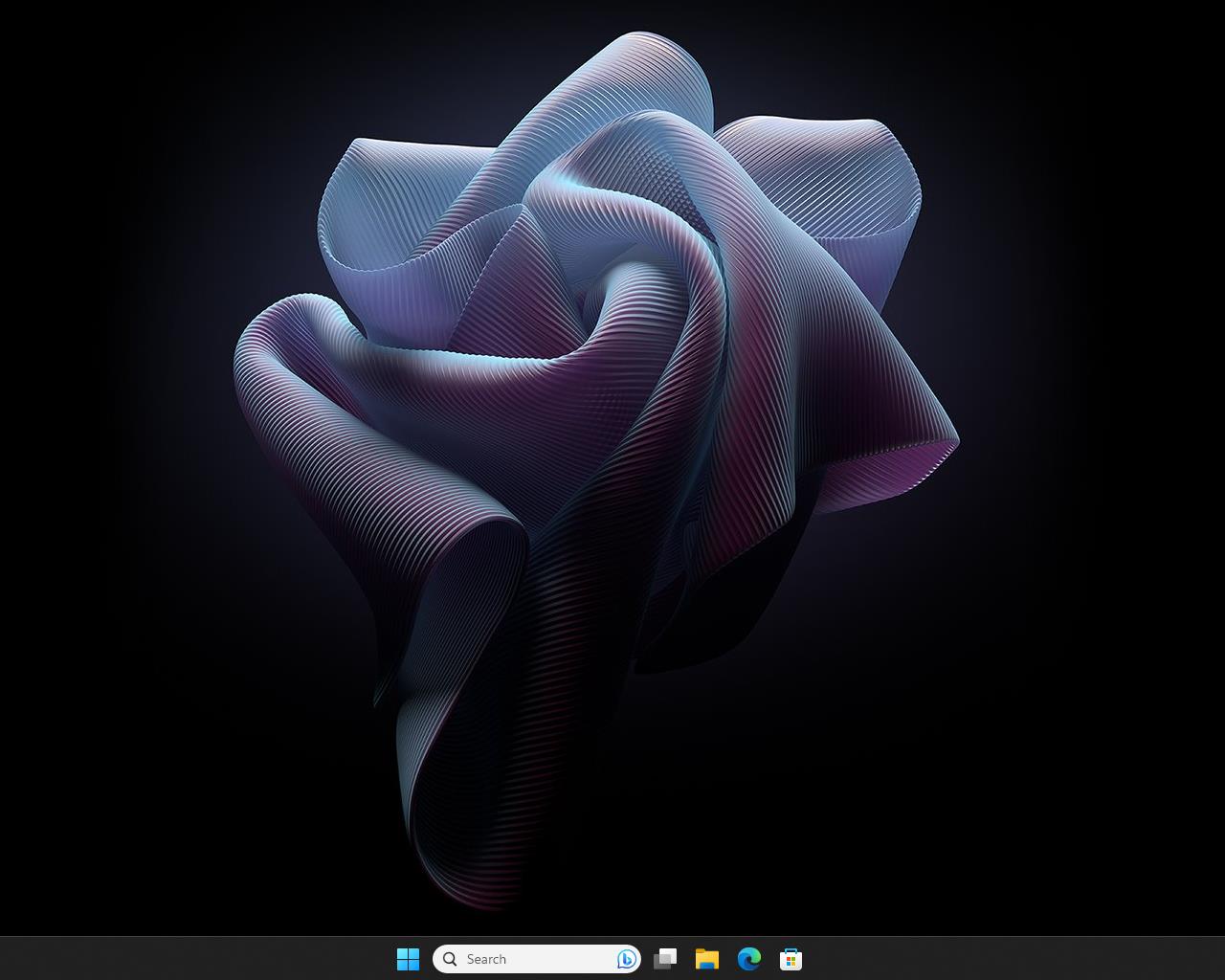
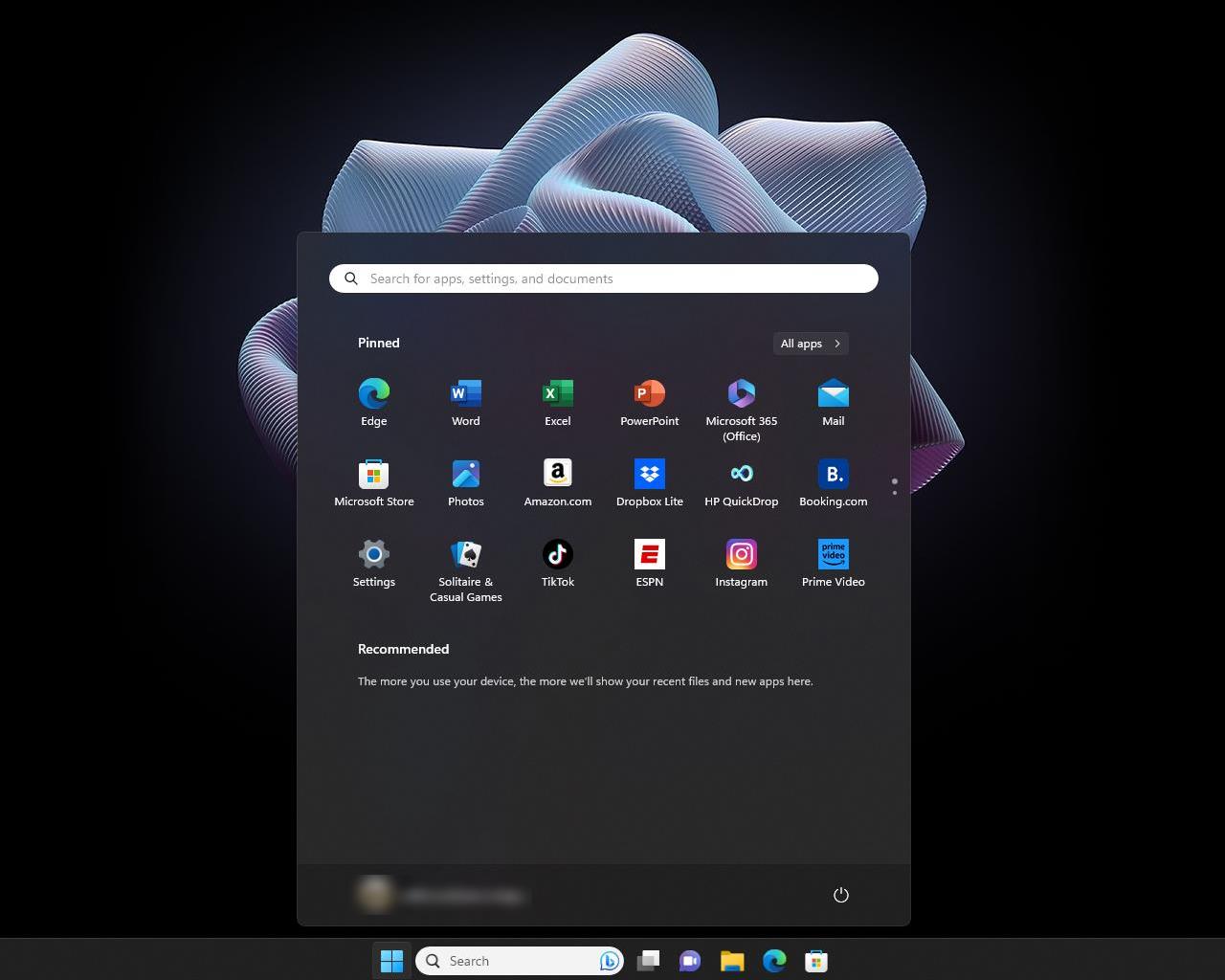
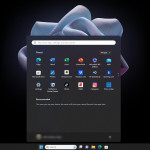
Sleek, centered Start Menu and Taskbar for a clean and balanced look.
Rounded corners, improved animations, and enhanced window management for smoother user experience.
Redesigned File Explorer and Settings for easier navigation.
2. Improved Performance and Efficiency
Faster wake from sleep, quicker Windows Hello login, and optimized memory management.
Better background task handling—Windows 11 prioritizes active apps for smoother multitasking.
Enhanced SSD performance and reduced system resource usage compared to older versions.
3. Stronger Security Architecture
TPM 2.0andSecure Bootrequirements protect against firmware and ransomware attacks.
DirectStoragetechnology loads game assets faster (like Xbox Series X).
IntegratedXbox Game Passapp for seamless PC gaming experience.
7. Better Microsoft Teams Integration
Teams is built directly into Windows 11 Taskbar for quick chats and meetings.
Simplifies remote work and online collaboration.
8. Improved Productivity Tools
Virtual Desktops: Separate setups for work, personal, or gaming use.
Focus SessionsandClock App integration with Spotifyhelp manage time effectively.
Improved multitasking and notifications control.
9. Android App Support (via Amazon Appstore)
Run select Android apps directly on your PC.
Expands software possibilities beyond traditional Windows programs.
10. Long-Term Support and Updates
Windows 10 support endsOctober 14, 2025, meaning fewer security updates afterward.
Windows 11 ensures continued support, feature updates, and compatibility with new apps and devices.
11. Sustainability and Power Efficiency
Optimized power usage for laptops and desktops.
Energy-efficient design aligns with modern hardware standards.
12. Touch, Pen, and Voice Input Improvements
Better gesture recognition for touchscreens.
Improved digital pen support (haptic feedback).
Enhanced voice typing with automatic punctuation and voice commands.
Windows 11 is the latest operating system from Microsoft, designed to offer a modern and streamlined user experience. Here are some key details about Windows 11:
Why do you buy from us?
Expert advice on any Product-related matter without any extra cost.
Expert advice on Product download, installation, and activation free of charge.
Buy our server products without any hesitation, as we will give you the complete set of instructions needed until it is fully activated, or we will refund your money in full.
100% Full Refund or Replacement Guaranteed in case of any failure and without any drama, which gives you complete peace of mind
100% Genuine & Full Edition
Instant delivery to your email inbox
Remote installation support is provided (free of charge).
 Hot Promotions
 Operating Systems
 Microsoft Office
 eBooks & Videos
 Dev & Lab Tools
 IT Support
 Video Editing and Multimedia
 Course
 Server
 Visio
Visio
 Project
 Tools
Tools


 Why do you buy from us?